

Barcode Reader API


4.8/5
(30+ reviews)
Barcode reader API that decrypts codes inside any document
Find and decode QR codes, Data Matrix, PDF417 and EAN barcodes on scans, PDFs and phone photos, in the same call as the printed fields. Each value comes back as text in structured JSON.
No credit card required
SOC 2 Type II & GDPR
Trusted by finance and product teams at




Why barcodes on documents get ignored
Labels, boarding passes, licenses and bills all carry a code, but most OCR tools only read text. Teams run a separate scanner library, then match its output back to the right document by hand.
Document received
Label, pass or bill with a code printed on it.
Separate scan
A barcode library run apart from the text OCR.
Friction
Two pipelines to build, run and keep in sync.
Manual matching
Decoded values tied back to the right document.
Friction
Damaged or blurry codes simply return nothing.
Retyping
Unreadable codes keyed in from the digits below.
Friction
Long codes are where typos creep in.
Record updated
Finally in the system, one code at a time.
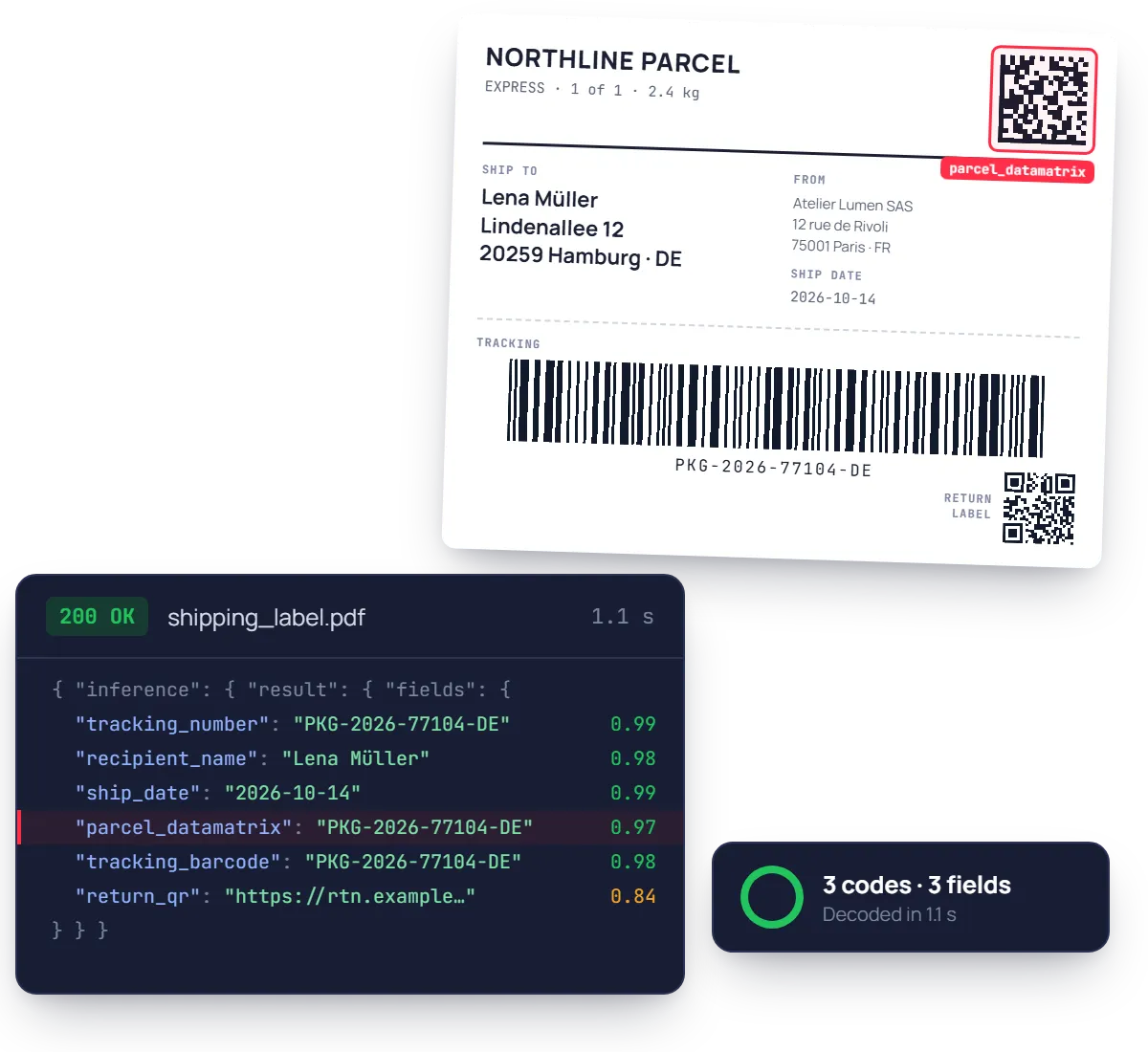
Every code on the page, decoded to JSON
Hover a group to see where it sits in the JSON response. Each code comes back as a decoded string, located on the page, next to the printed fields.
See fields list
QR code
ticket_qr
Data Matrix
parcel_datamatrix
PDF417
license_pdf417
EAN / UPC
product_ean
2D-DOC
proof_2ddoc
Printed fields
tracking_number, recipient_name, ship_date
{
"ticket_qr": { "value": "https://pay.example.com/i/INV-2026-0418" },
"parcel_datamatrix": { "value": "PKG-2026-77104-DE" },
"license_pdf417": { "value": "@ANSI 636015090002DL00410278…" },
"product_ean": { "value": "4006381333931" },
"proof_2ddoc": { "value": "DC04FR0000011E4E1F6A0101FR…" },
"tracking_number": { "value": "PKG-2026-77104-DE" }, "recipient_name": { "value": "Lena Müller" },
}
Ready to post, not just to read.
Each barcode returns its decoded content as a string and its position on the page. Turn on multiple items to capture every code on a document.
Built for codes on real paper, not test sheets
A QR code on a crumpled label, a PDF417 on the back of a worn license, a Data Matrix printed in the corner of a bill. The model finds the code first, then decodes it.
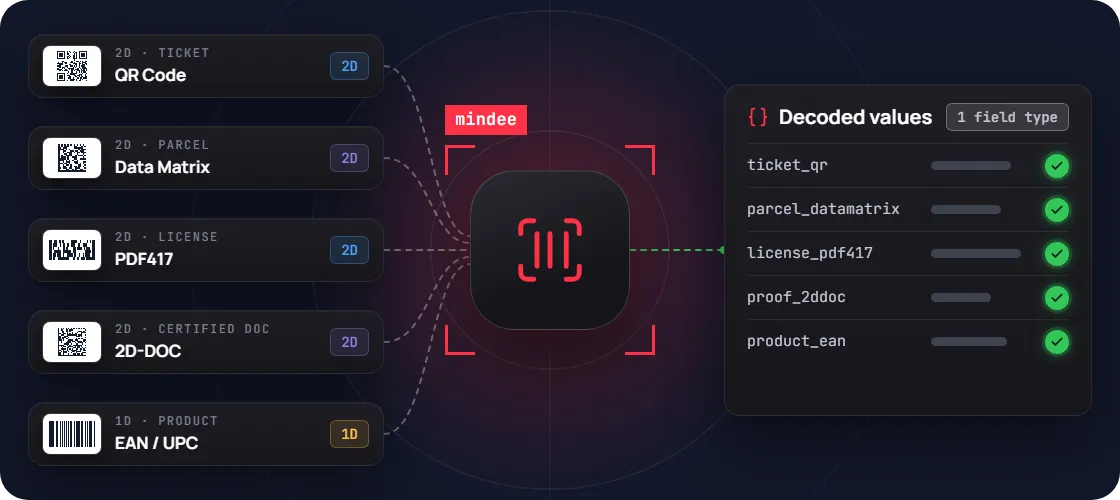
Every common format
QR Code, Data Matrix, PDF417, 2D-DOC, UPC and EAN are detected and decoded with the same barcode field.
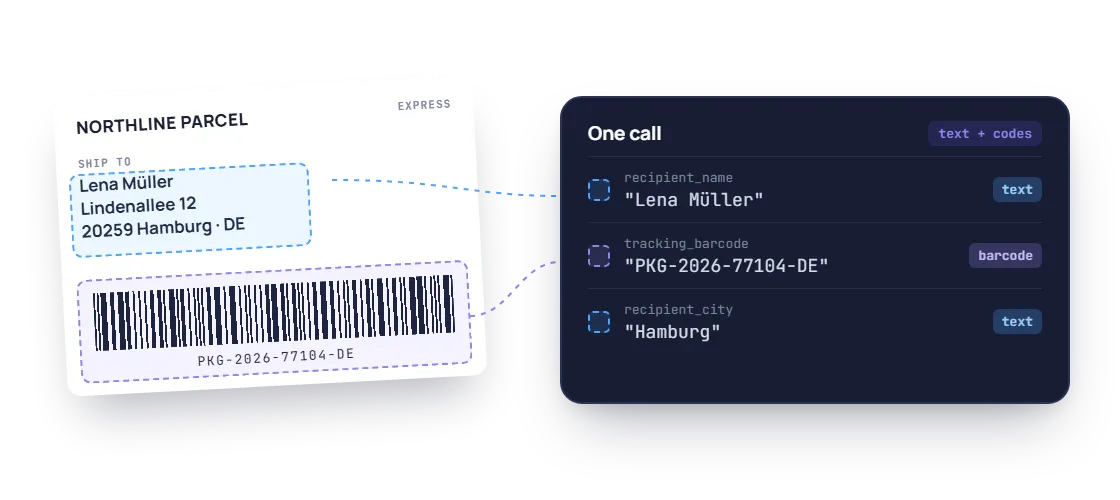
Codes and text in one call
The decoded code comes back next to the printed fields, so a label's tracking number and address arrive together.
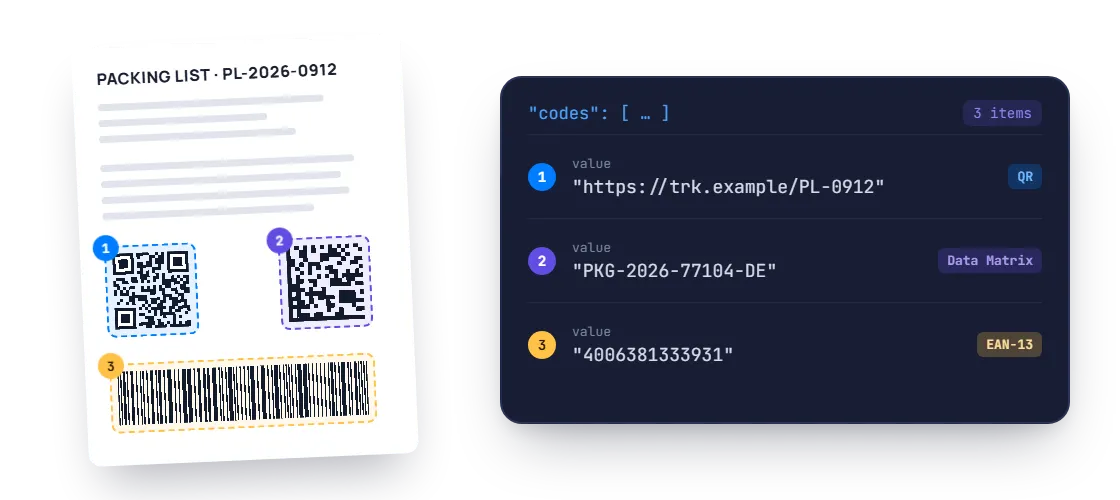
Several codes per page
Turn on multiple items and every code on the document comes back as a list, with duplicates filtered out if you want.
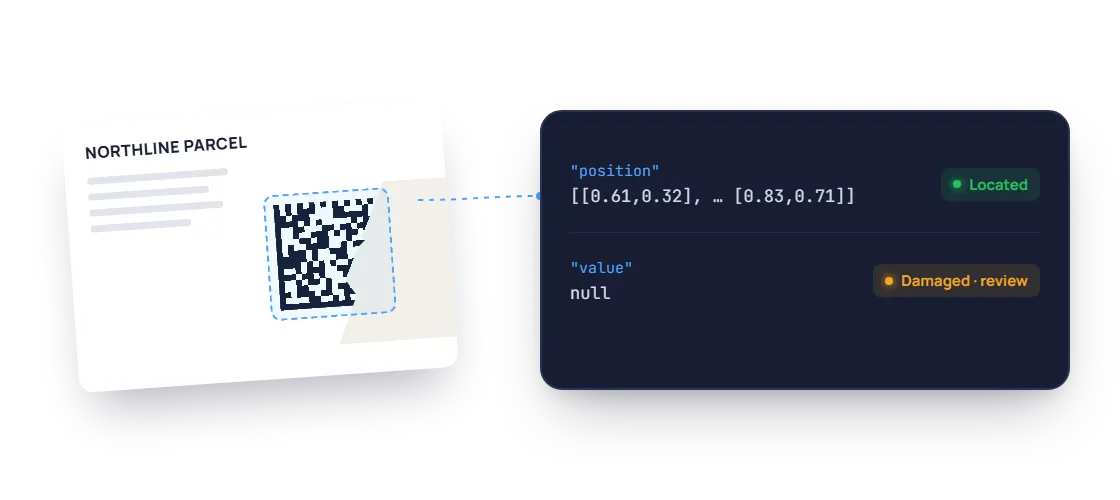
Located, then decoded
Each code is found on the page first, so you know where it sits even when a damaged print cannot be decoded.
PDF / JPEG / PNG / WEBP / TIFF / HEIC, QR Code & Data Matrix, PDF417 & 2D-DOC, UPC & EAN, Multiple codes per page
Barcode reading you can check on every code
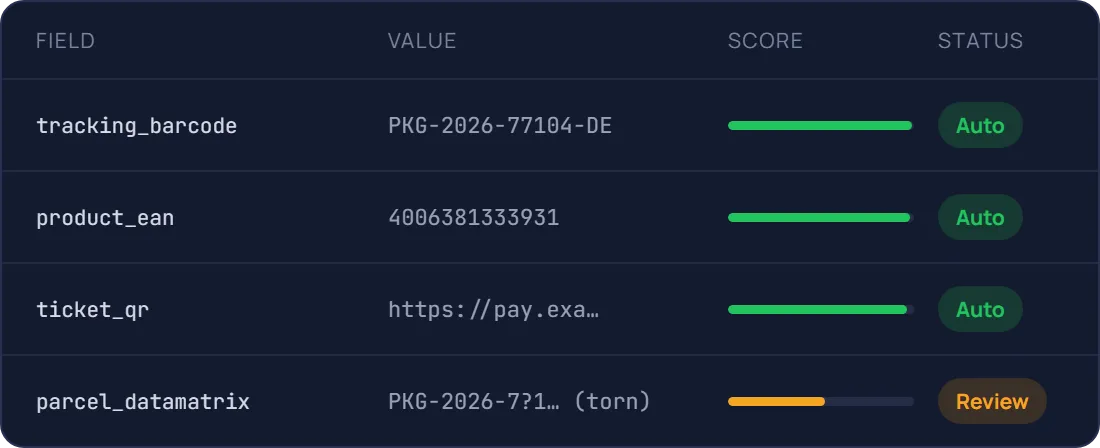
Every decoded value comes with a confidence score, so clean codes flow straight through and damaged ones go to a reviewer. Test it on your own documents in the free trial.
92.6%
Codes located on the page
QR, Data Matrix, PDF417, EAN
99.4%
Codes decoded to text
Clear, undamaged prints
0.5s
Median time per document
Single page, synchronous call
A confidence score on every field
Send only real exceptions to a human
Document AI features, better than OCR
Prepare, classify and extract. Mindee delivers high-accuracy extraction for every document format, so you can automate workflows with speed and high reliability.
Data extractor
Classifier
Splitter
Edge detector
Pull the exact fields you need from any document
Pick a ready-made model or describe your own data schema. Every value comes back typed, normalised, located on the page and scored.
- Prebuilt models or your own custom schema
- Tables and line items, across pages
Know what each document is before you read it
The classifier labels every upload with your own classes, so an ID card goes to onboarding and an invoice goes to accounts payable.
- Your own document classes
- Route each type to the right model
One scanned batch in, separate documents out
Send a long PDF from the office scanner. Mindee finds where each document starts and ends, and returns them one by one.
- Page ranges for every detected document
- Up to 200 pages and 100 MB per file
Several documents on one photo? Each gets its own crop
Users photograph three receipts on a desk, or both sides of an ID. Mindee detects each border, returns its coordinates and reads them separately.
- Coordinates for every detected document
- Built for mobile capture flows
Prototype in minutes, go live with the API
Step 1 : Prototype
Run a proof of concept in Make, Zapier or n8n
No code, no IT ticket. Point a mailbox at Mindee and watch the data arrive in a spreadsheet.

Document uploaded
Label, ticket, bill or license

Mindee reads the codes
Barcode values + printed fields

Record updated
Your WMS, TMS or database

Low-confidence fields sent for review
Slack or email alert to your team
Step 2 : Production
Integrate the API into your platform
Official SDKs, typed responses and webhooks for async processing. Most teams ship the integration in a day.
mindee docs
$ pip install mindee

Your app

Mindee API
Your ERP/CRM

Integrate Mindee into your workflow in minutes with SDKs & no-code tools
Go live in minutes using our verified Zapier & Make.com app with zero coding, or integrate seamlessly via our well-documented REST API built for developers. SDKs available for Python, .NET, Node.JS, Java, Ruby, PHP.
Integrations

Enterprise-grade security
Our API has a SOC 2 Type II certified infrastructure and is GDPR Compliant to ensure your file information remains protected at all times.

EU or US hosting available

GDPR, CCPA Compliant
Security center
What teams build with barcode reading
The same API powers very different products. Here is where it usually starts.
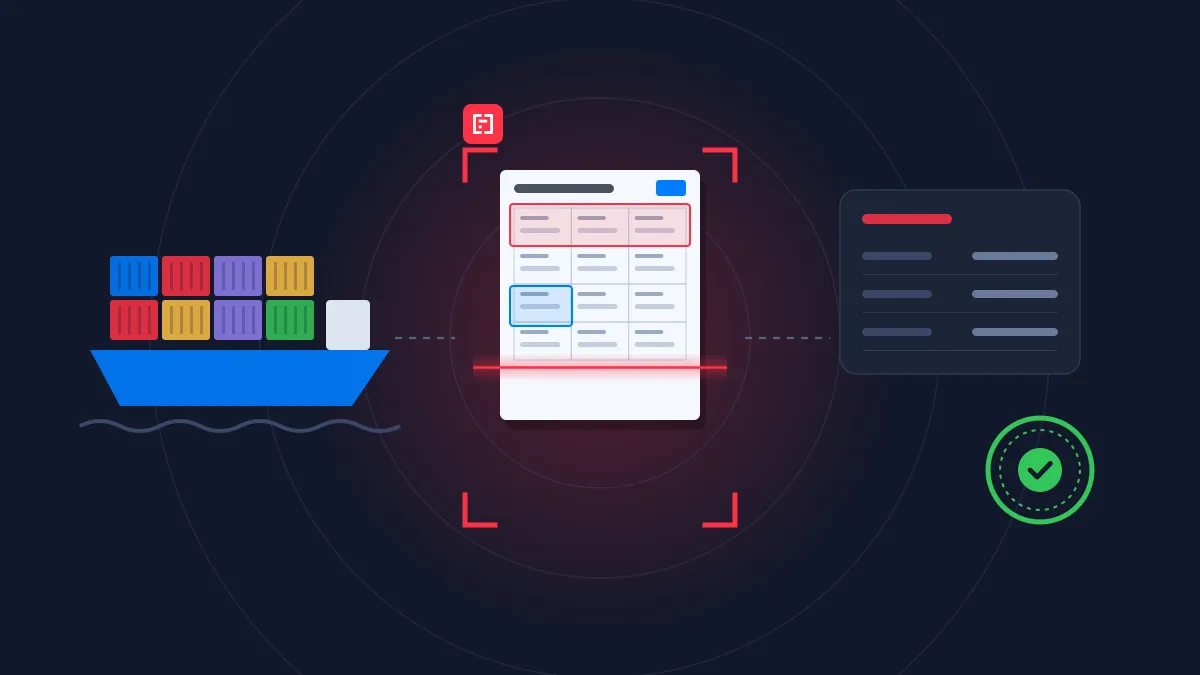
Logistics
Customs clearance
Turn invoices, packing lists and transport documents into declaration-ready data, line by line.
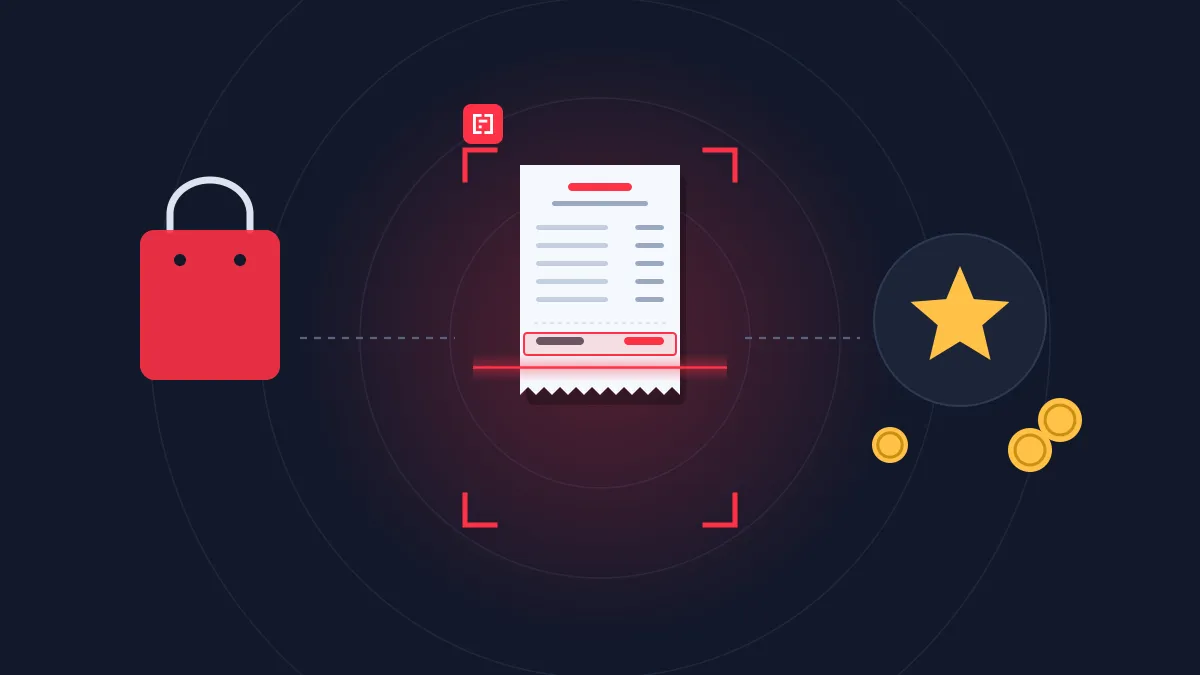
Retail
Loyalty program
Validate receipts as proof of purchase for loyalty, cashback and rebate offers.
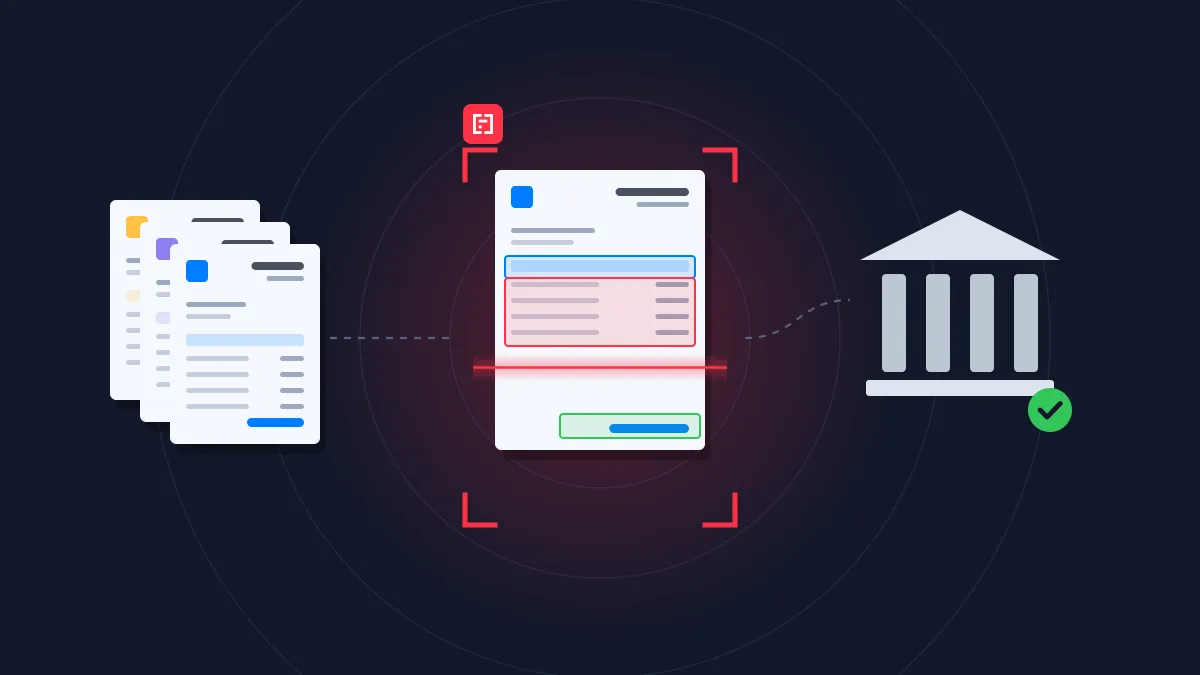
Finance & Accounting
Accounts payable
Extract, match and post supplier invoices at any volume, without supplier templates.
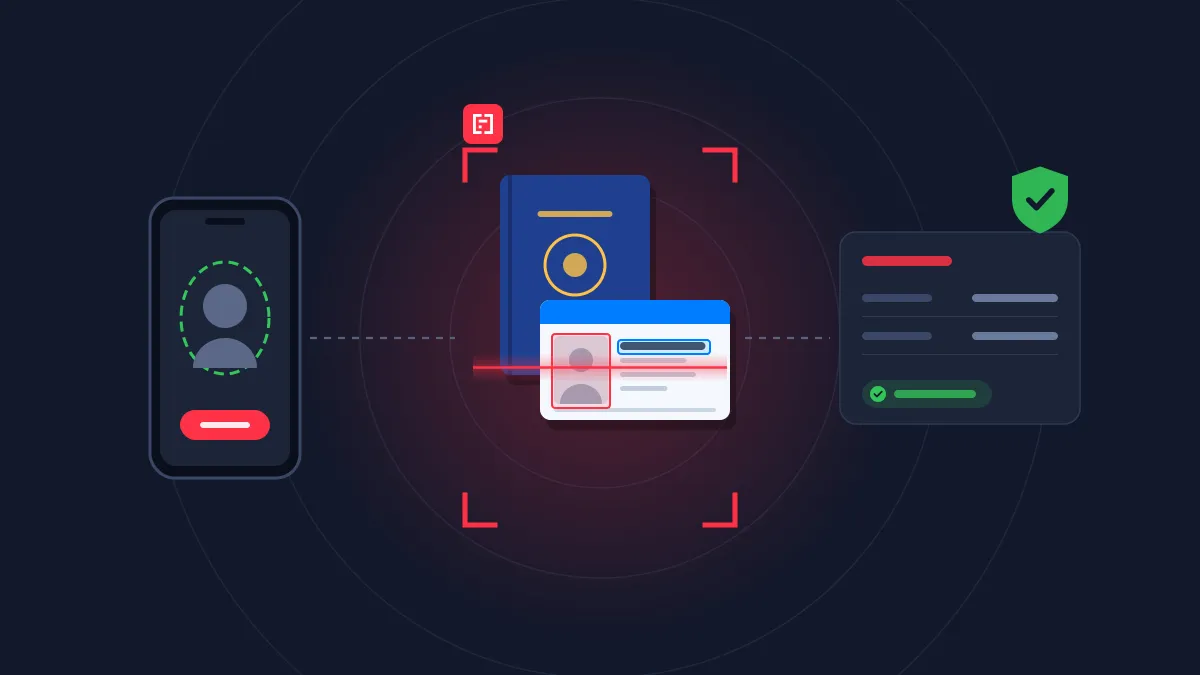
Banking & lending
Insurance
Customer onboarding
Read and cross-check every onboarding document, from ID to bank details, in real time.
Rated 4.8/5 by developers and operations teams
4.8


on G2
4.9
on Capterra

Mindee works reliably and delivers good performance. The OCR data is accurate, and the API is stable. It works like a charm.

Manuel B.
Mindee works reliably and delivers good performance. The OCR data is accurate, and the API is stable. It works like a charm.
Manuel B.
Mindee is a web based tool that help us in scanning and reading different type of documents like identity cards, invoices, proposal plans etc and extract all the information with its AI and then it provides all the information and data associated with these documents a structured way.
Gaurav K.
I like the easiness and how to use it. Also the price model is very fair. Good with space for improvement
Simon
Documents related that Mindee reads


FAQ about Mindee's Barcode Reader API
Can't find what you're looking for? Our team answers within one business day.
Which barcode formats can the barcode reader API decode?
The barcode field detects 1D barcodes such as UPC and EAN and 2D codes such as QR Code, Data Matrix, 2D-DOC and PDF417, then attempts to decode their content as text. Add it to the data schema of any extraction model, and turn on multiple items when a document carries more than one code.
What information is in the barcode on the back of a US driver’s license?
Most US and Canadian driver’s licenses carry a PDF417 barcode on the back, encoded according to the AAMVA standard. It typically contains the same data as the front of the card: full name, date of birth, address, license number, issue and expiry dates, sex, height and eye color. Mindee extracts this information from an image of the license and returns it as structured JSON. This way you get standardized data whatever the issuing state, without building and maintaining state-by-state parsing rules.
About Mindee
Is my data secured and protected during the conversion process?
Yes, your data is highly secured and protected during the entire conversion process. As an enterprise-grade OCR solution, Mindee takes data privacy very seriously. Here are the key security measures in place:
- Certified compliance: Mindee's infrastructure is SOC 2 Type II certified and fully GDPR compliant, ensuring strict industry standards for data protection.
- Encryption: All documents and extracted data are fully encrypted both in transit (during the API call) and at rest.
- Data localization: You have control over where your data is processed, with the option to host and process your data on either EU or US servers.
- Strict privacy: Mindee respects data confidentiality. Your processed documents are not shared with third parties, and your private data is not used to train global AI models.
In short, your sensitive documents are processed in a secure, isolated environment and remain completely under your control.
Is Mindee's OCR API free to use?
We provide a 14 days free trial so you can fully test any of our OCR models — no credit card required. After this, we offer different pricing tiers depending of the volume of pages processed and the features you might need. See the pricing page for more information.
What file formats are supported for JSON conversion?
The supported document formats are:
- PDF (
application/pdf) – While technically a document format rather than an image, it is natively supported for all extraction models. - JPEG / JPG (
image/jpeg) - PNG (
image/png) – Must be non-animated. - WebP (
image/webp) - TIFF / TIF (
image/tiff) – Both single-page and multi-page TIFFs are supported and processed similarly to PDFs. - HEIC (
image/heic) – Apple's High-Efficiency Image Container format.
📌 Important technical limitations to keep in mind:
To ensure the OCR pipeline runs smoothly and successfully returns your JSON, make sure your files adhere to the following constraints:
- Maximum file size: 100 MB per file.
- Maximum page count: Up to 200 pages per document.
- File state: The files cannot be encrypted, and PDFs must not be password-protected.
Ready to read barcodes and text in one call?
Add a barcode field to any extraction model and get decoded values next to the printed data, with a team of document processing engineers behind it.
14-day free trial
No credit card required